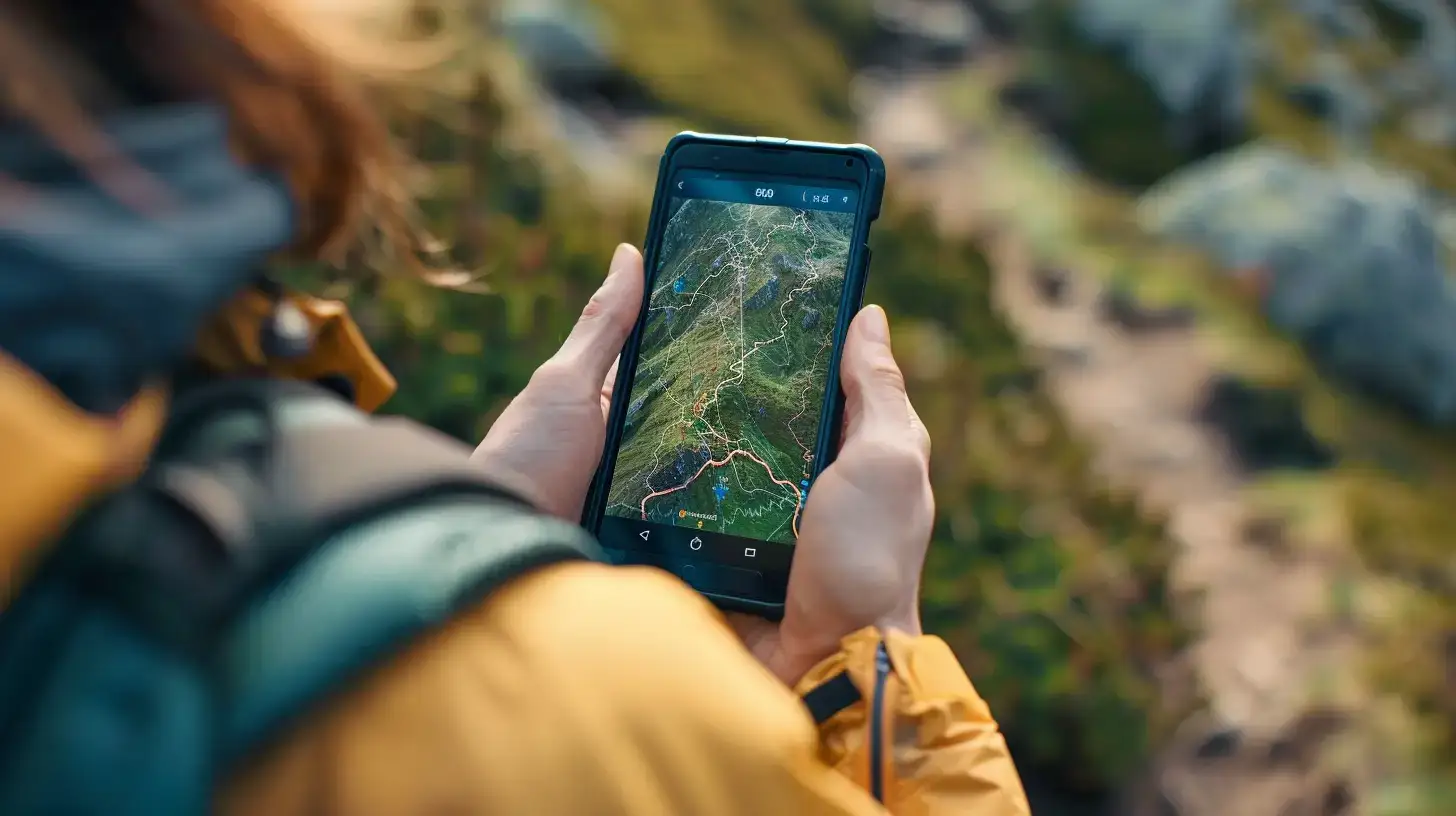
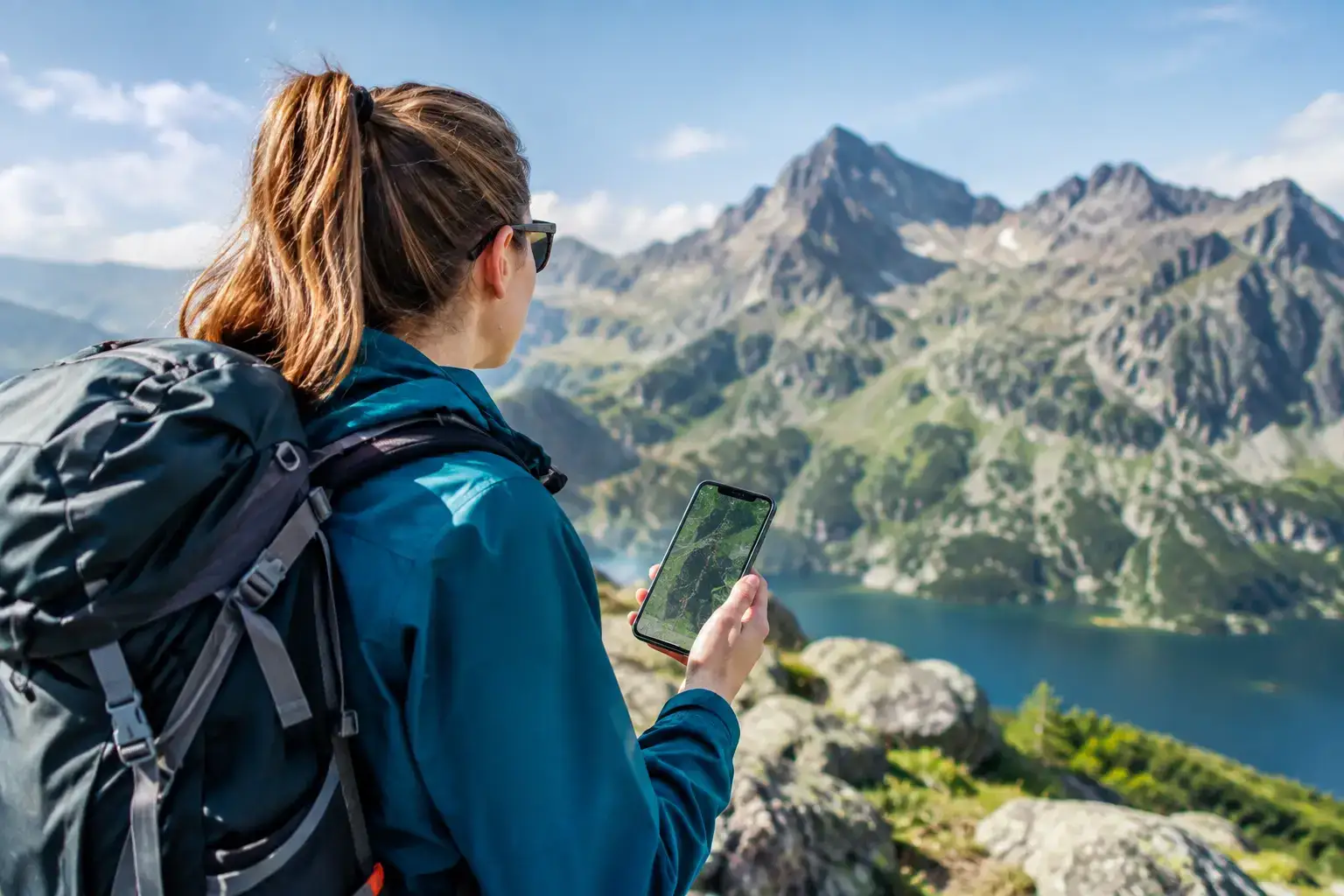
A smartphone in the mountains isn’t just a camera for taking selfies for Instagram. It’s your command centre. But on one condition: that you have the right software on it.
Many hikers (especially beginners) make the classic mistake — they set off on a trail exclusively with Google Maps enabled. In the city, Google is king, but in the mountains it often doesn’t show trails at all, drastically misrepresents walking times and often tries to lead you “shortcuts” through steep cliffs. Want to hike safely and comfortably and with a calm head? Here’s a mountain “Starter Pack” of apps that I simply won’t head out from Zakopane without.
💡 In a nutshell – Your mountain smartphone essentials:
- Mapa Turystyczna / Mapy.cz – for navigation (make sure to download offline maps!).
- Ratunek (PL) / HZS (SK) – for calling help with one tap.
- Storm Monitor – for tracking lightning live.
- Meteoblue – for checking weather at specific altitudes.
- TPN e-ticket – to skip the queues at the entrance.
1. Tourist Map – Your personal guide
(iOS / Android / Web)
If you’re only going to install one app, make it this one. It’s an absolute must-have in the Polish mountains. Why is it better than Google?
- Trail colours: You can see exactly whether you’re on a blue or black trail (and no, the colour doesn’t indicate difficulty, as we explain in the route descriptions).
- Realistic time: The algorithm calculates walking time based on elevation gain (known as GOT). Google often assumes you’re walking on flat ground. Mapa Turystyczna knows that the ascent to Giewont will take you 3 hours, not “40 minutes, because it’s close” .
- Route profile: You can see a ‘cross-section’ of the trip. You know where the gruelling climb will be and where you’ll get a chance to rest.
- Offline version: (In the paid version, but it’s worth it). Remember that in the Chochołowska Valley or Roztoki, you’ll lose signal. The map on your phone must work without an internet connection!
Alternative: Czech Mapy.cz – it has amazing and completely free offline maps (highly recommended!).
2. Rescue – The only icon you (hopefully) won’t need to use
(iOS / Android)
This isn’t just any app. It’s your insurance policy. The app is linked to the mountain rescue service in Poland (TOPR/GOPR).
- How does it work? In the event of an accident (sprained ankle, getting lost, fainting), press the button three times.
- The magic: The app automatically calls the rescue worker on duty AND SIMULTANEOUSLY sends them your exact GPS location (accurate to within a few metres).
- Why is this important? When you’re stressed, it’s hard to explain over the phone: “I’m in the woods by a large rock”. Thanks to the Ratunek app, TOPR knows exactly where to send help.
🇸🇰 Heading to Slovakia? The Polish app won’t work there! Be sure to download its Slovak counterpart: the HZS (Horská záchranná služba) app.
3. Storm Monitor / Burzowo.info – Weather radar
(iOS / Android)
Are you checking the weather on TV, and the presenter says “possible brief showers”? In the Tatra Mountains, that often means a violent storm with hail — a situation where there’s usually no escape. Instead of guessing from the shape of the clouds, check the radar. Storm apps show live where lightning is striking right now and which direction the storm cell is moving in.
🛑 Golden rule: Do you see a red patch of lightning heading toward you on the map? Turn back. No discussion. It’s especially important on open ridge trails, such as Czerwone Wierchy or the ridge of Wołowiec, where you’re the highest point in the area.
4. Meteoblue / Yr.no – Forecast for a specific mountain
Checking the weather for “Zakopane” is a mistake. It might be +20°C and sunny down below, but on Kasprowy Wierch it could be +5°C and foggy. Apps like Meteoblue let you check so-called meteograms for specific peaks, taking the altitude above sea level into account. That way, you’ll know not only whether it’ll be raining, but also whether on the ridge you’ll get wind at 10 km/h (a light breeze) or 80 km/h (wind strong enough that it’s hard to stand on your feet).
5. TPN e-ticket (or SkyCash) – Skip the queues
Do you like standing in a 40-minute queue at the ticket office at the entrance to the Kościeliska Valley or Morskie Oko at 8:00 AM? Neither do we.
In ticket apps, you can buy your entry ticket to the Tatra National Park in 30 seconds — while sipping your morning coffee at your accommodation or standing in the car park. At the wooden TNP booth you just show the QR code on your phone and enter the trail like a VIP, smiling as you pass the long line of people searching for small change in their wallets.
🎁 BONUS: PeakFinder (For curiosity and great photos) Sitting on a summit, looking at the panorama and wondering: “What’s that sharp mountain in the distance?”. Apps using augmented reality (AR) solve that problem. You point your phone camera at the horizon, and the app overlays the image with the names and elevations of all the peaks you can see. Guaranteed hit of every trip!
One important note to finish with: BATTERY
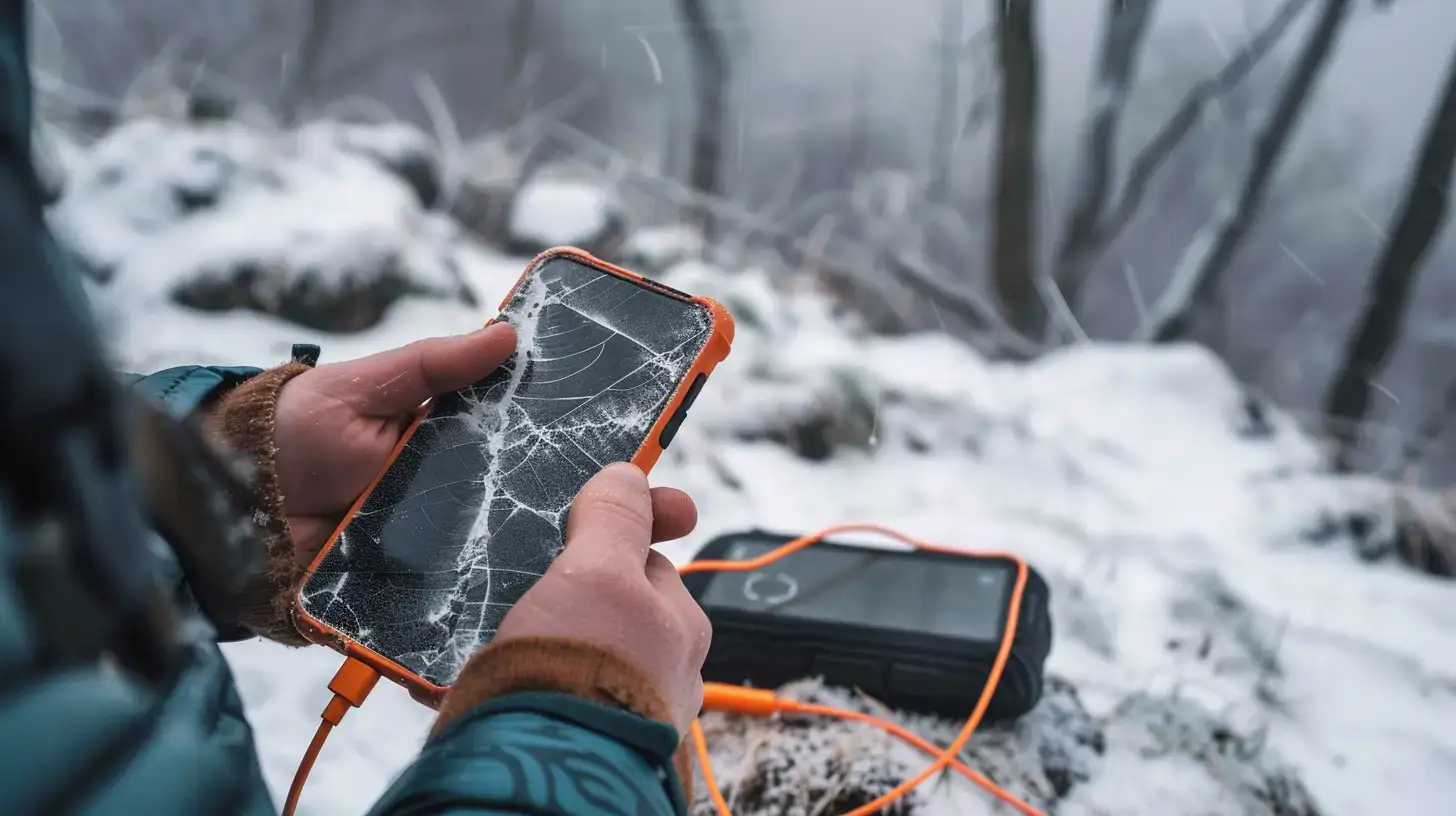
All the apps listed above are a great help, but they share one common enemy — they drain battery in the blink of an eye. Searching for weak signal in the valleys combined with an enabled GPS module means your phone can die after 4–5 hours of hiking.
The best emergency app is useless if you have a black screen in your pocket. That’s why a good power bank and a cable in your backpack are not just ‘gadgets’ — they are an absolute must.
🔋 Still don’t have a power bank for the mountains? Skip cheap market models that drain in the cold. In the mountains, you need at least a 10,000 mAh power bank and a rugged casing.
See you on the trail (with a charged phone)!