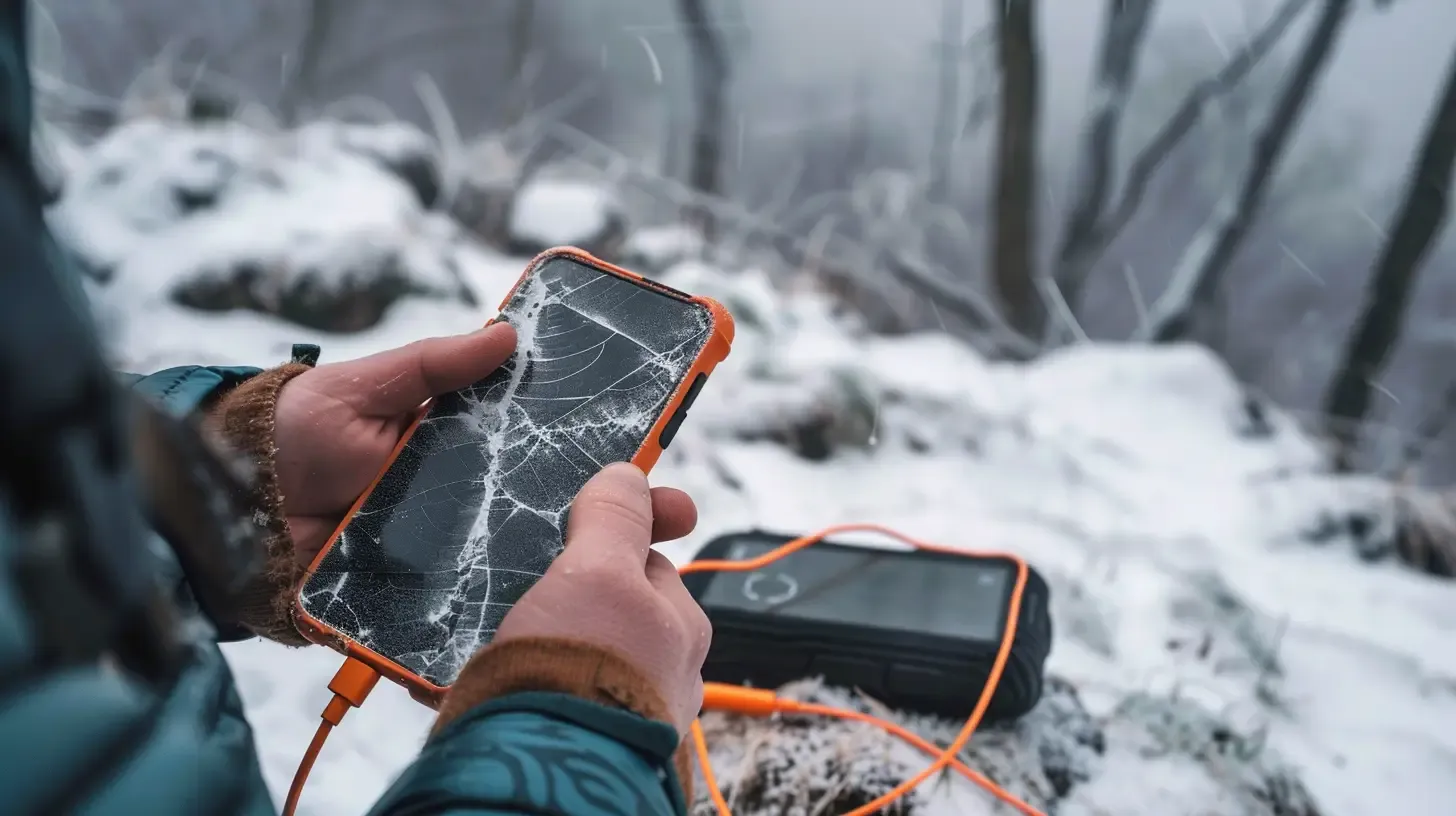
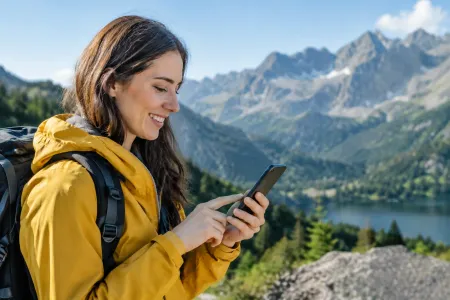
Imagine: you’re standing on Kopa Kondracka. The weather is turning, the wind picks up, and the sun is slipping toward the horizon. You want to check whether the descent into Dolina Kościeliska takes 2 or 3 hours. You pull out your phone and… black screen. “What?! I had 100% this morning!”
💡 In a nutshell – Your phone in the mountains:
Airplane Mode: Turn it on! GPS and camera still work, and the phone doesn’t waste energy searching for a signal in the valleys.
Keep it warm: Cold kills the battery. Carry your phone in an inner jacket pocket, close to your body.
A power bank is essential: Bring a reliable power bank (min. 10,000 mAh) and a short, working cable. Keep them in a ziplock bag.
Offline maps: Download Tatra maps to your phone’s memory (e.g. in the Mapa Turystyczna app). Without a signal, the app won’t load the map live.
We’ve packed our smartphones with everything: our Tourist Map, the Ratunek app, the camera, and even the TPN ticket. When the phone dies on the trail, you suddenly rewind back to the Stone Age.
Mountains drain your battery 3x faster than a couch at home. Here’s why it happens and how to prevent it.
Why the mountains hate your battery
It’s not magic—it’s physics and technology.
The fight for signal: In deep valleys (for example Dolina Pięciu Stawów Polskich (The Valley of the Five Polish Lakes)), your phone can lose reception. Instead of giving up, the antenna starts working at 200% power, frantically searching for any tower. It burns through power right before your eyes.
Cold (even in summer!): Li-ion cells hate low temperatures. At 2000 m above sea level, with strong wind, the phone in your jacket’s outer pocket freezes, and the system sharply lowers the displayed battery level to protect the device.
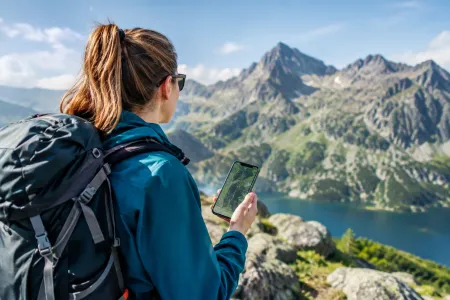
GPS nonstop: If you keep a map open that constantly tracks your position on the trail, the phone never gets a break.
How to survive? 4 iron rules
1. Airplane Mode is your best friend
This is the biggest mountain “life hack.” If you’re walking the valley floor where you don’t have signal anyway, why should your phone keep searching for it? Turn on Airplane Mode. Your GPS (location) in offline maps will still work! The camera will, too. And instead of dropping from 50%, the battery may only fall by about 2% over two hours. Use normal mode only when you take a break at the summit and want to post a story on Instagram.
2. Hide your phone like treasure
Never keep your phone in the outer pocket of your backpack (the mesh one) or in the side pocket of your trousers, where icy wind hits it. Keep it in the inner pocket of your fleece or jacket, close to your body. Your own body heat warms the battery. This matters especially if you’re planning an autumn hike to Czerwone Wierchy (Red Peaks) or going in winter.
3. Power bank: what does “enough” look like?
That 15 zł power bank from Action, the one the size of a lipstick, can stay at home. In the mountains you need a solid “canister of power.”
Aim for at least 10,000 mAh. That should let you recharge a modern smartphone 2–3 times.
Important: Test your cable at home (and make sure it doesn’t start/stop charging with every movement). A short, thick cable is best—it won’t tangle in your backpack. Keep the power bank and cable in a zip bag (so they don’t get soaked in rain).
4. Downloaded offline maps (don’t count on the network)
Do you have the Tourist Map installed? Great. But did you download the Tatras maps to your phone storage? If you didn’t, the app will try to “load” map images from the internet every time you swipe on the screen. And as you probably know—there’s often no internet. Then instead of the trail on Orla Perć, you’ll just see a blank white grid.
And what if your phone still dies?
You’re left with no map, no flashlight, and no way to get in touch. That’s why you should always—yes, always—have two things in your backpack:
A regular headlamp with charged batteries. An iPhone light reaches about 3 meters. A headlamp reaches 50 meters.
A paper map of the Tatras. It costs 20 zł, weighs nothing, doesn’t drain, and it still works even after dropping it into a puddle (if it’s laminated).
A smartphone is an amazing life-saving tool—as long as you don’t treat it as the only guarantee that you’ll get back home.

 2026-10-10
 2026-09-18
 2026-08-30
 2026-10-09
 2026-10-08
 2026-10-07
 2026-10-06
 2026-10-05
 2026-10-04
 Distance: 18.5 kmDuration: 8 h 09 min
 Distance: 15.6 kmDuration: 8 h 27 min
 Distance: 11.1 kmDuration: 2 h 59 min
 Distance: 6 kmDuration: 3 h 15 min
 Distance: 12.9 kmDuration: 5 h 31 min